View Workspace Details
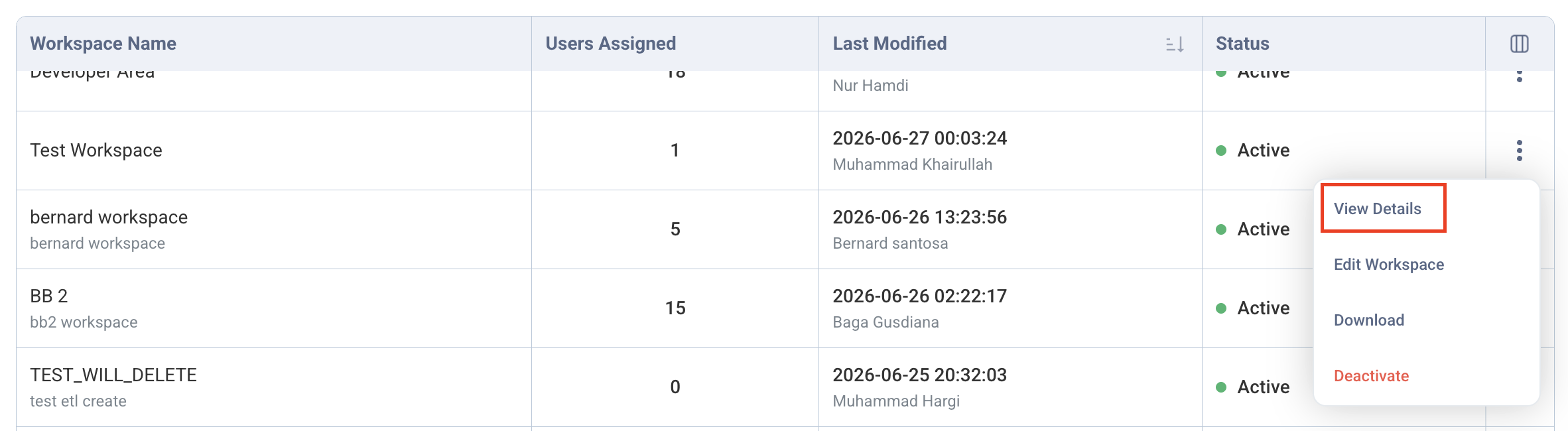
Selecting View Details from the row actions on the Workspace List opens a read-only summary of the workspace.
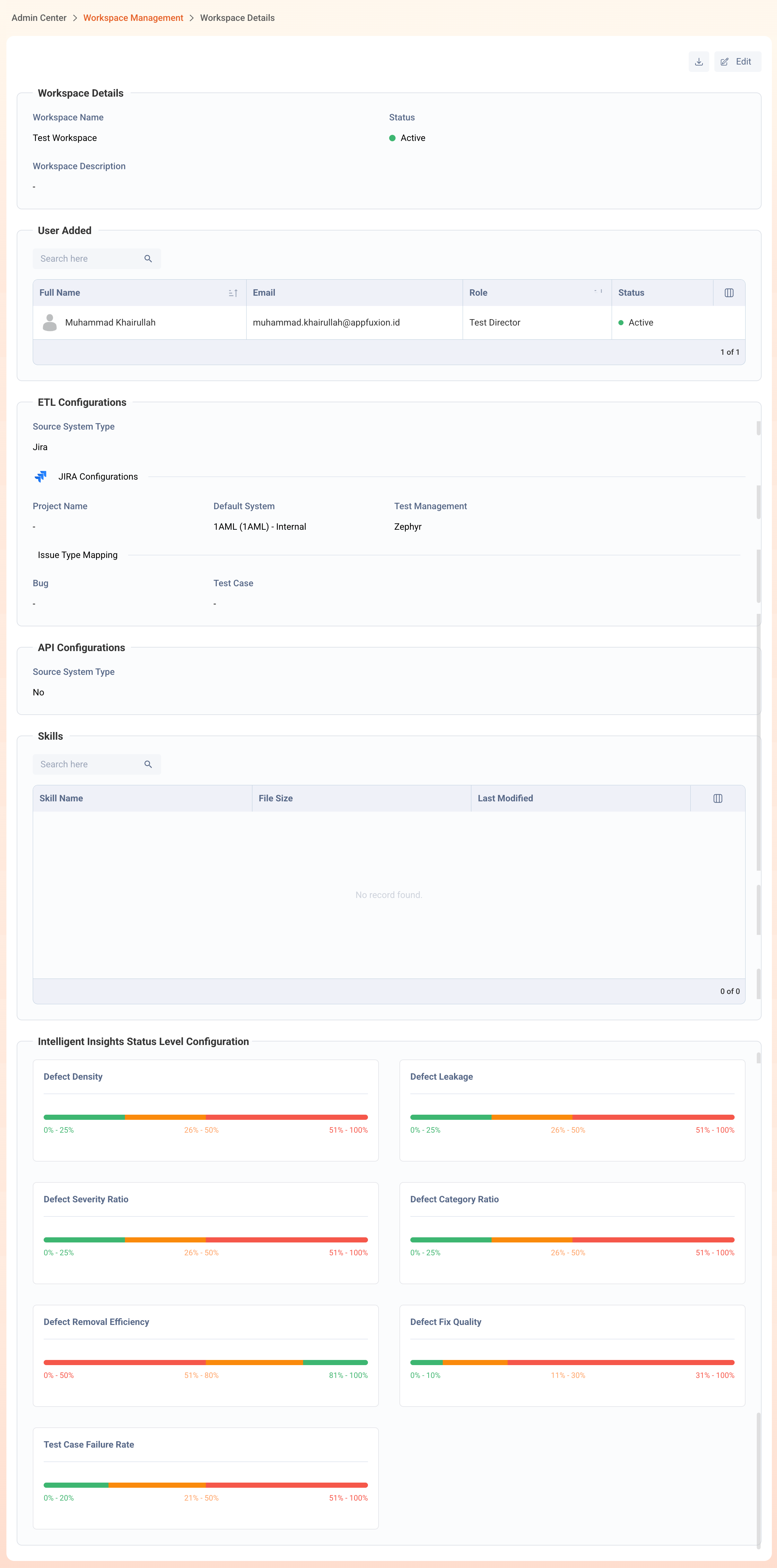
This page shows, in order:
- Workspace Details — Workspace Name, Status, and Workspace Description.
- User Added — the list of users assigned to the workspace.
- ETL Configurations / API Configurations — the connected source system type, and its specific configuration (e.g. JIRA Configurations with Project Name, Default System, Test Management, and Issue Type Mapping, when the source system is set to Jira).
- Skills — the list of uploaded skill documents.
- Intelligent Insights Status Level Configuration — the configured threshold sliders for each metric.
Two buttons are available at the top-right of this page:
| Button | Description |
|---|---|
 | Download the workspace's details as an Excel file |
 | Switch to edit mode |
